Master Pages
Master Pages are a feature of Pinegrow that provide a way to define common content, layout and behaviour across multiple pages. It is typically the menu, header and footer that are exactly the same on all the pages on a website.
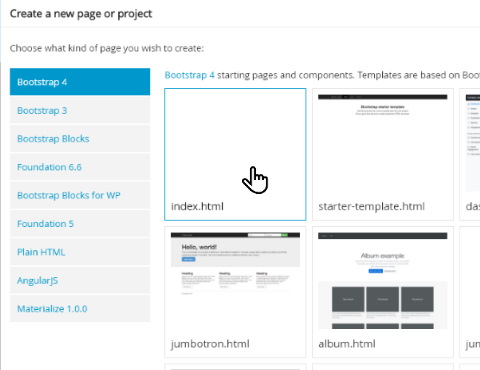
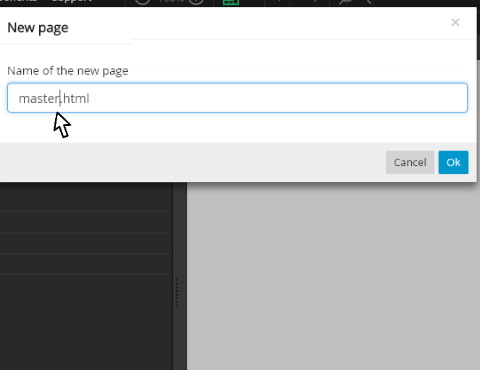
This is a quick tutorial showing how to create a blank Master Page and the next one takes you through how to add a header with a menu and brand image.

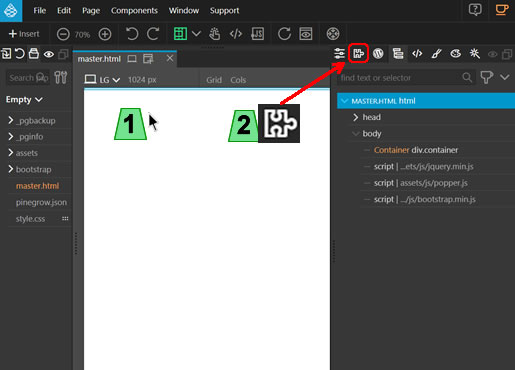
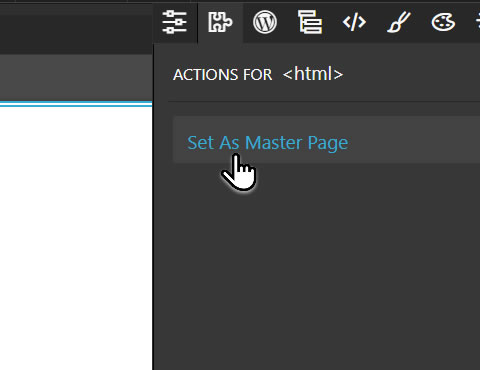
- Click any element on the page (anywhere on the blank page).
- Click the Actions button (looks like a jigsaw piece).
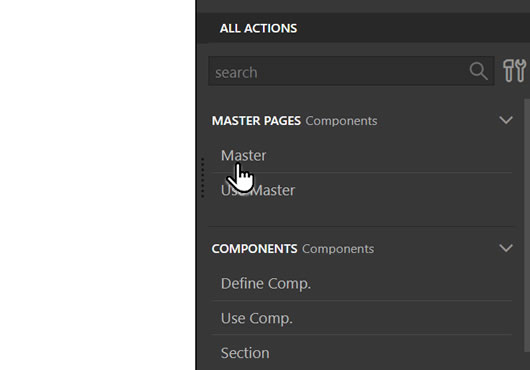
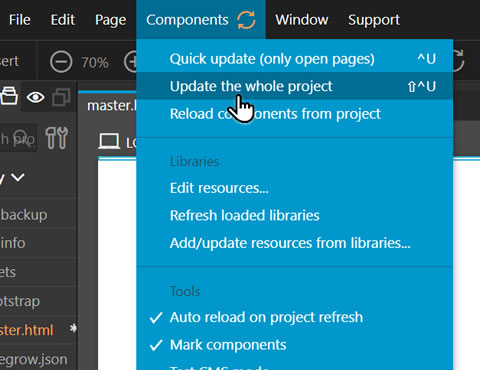
Click Components > Update the whole project.
Pinegrow will automatically check for components already in your project. This will take some time depending on the size of the project and you will see results of the findings flash up on the screen. There is no need to take note of the messages - indeed they will appear and disappear too quickly to be able to absorb the information.

Go on to the next tutorial to learn how to add a menu, header and footer to this page, for it to be a template on which other pages on your site can be based.
Having created your Master Page, it's time to put the menu in it, plus the header and footer if needed. Let's get started...