Create a new CSS Class and Add Rules to it

1
In the page-tree, right-click the element to which you wish to assign a new class > click Classes...
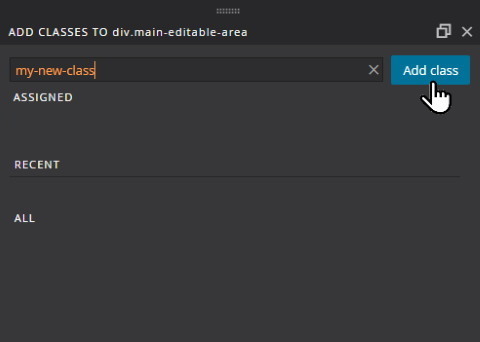
2
Type a suitable name for the new class, and click the
Add Class button.

3
Right-click your newly=assigned class and click to create a new CSS rule

4
You will see the CREATE NEW CSS RULE window, with your class in the
Selector field.
Media query allows you to define different rules for different widths of browser window.