Create and Link to a new CSS File in a Pinegrow Project
1
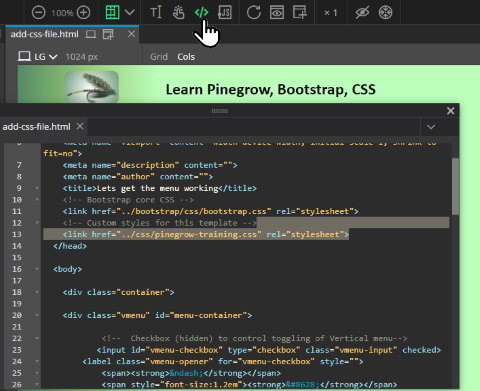
Click
</> to display the HTML for the page
Then type or copy/paste any code that links a stylesheet.
Then type or copy/paste any code that links a stylesheet.
2
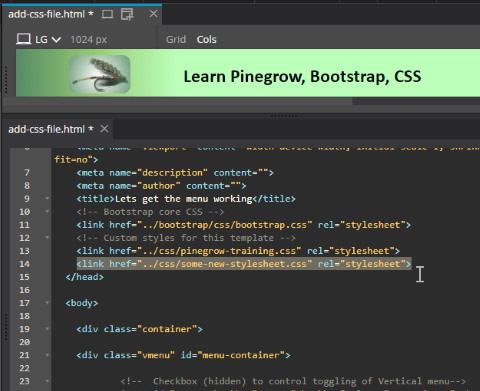
If the CSS file at this path does not already exist, it will automatically be created when you save the HTML file....

3
.... and you will see it in the Project files and folders displayed on the left.
It's very easy to create a new blank CSS file, linked to one of your webpages:
- Click the
</> button to display the HTML of the page.
Copy/paste some code that links an existing CSS file.
- Change the text accordingly, to reference a CSS file that you wish to create at a new path.
- You will see the new blank CSS file has been created in the folder/file structure tree on the left.